Trending iPhone Lock Screen Wallpapers You Need to Try Right Now
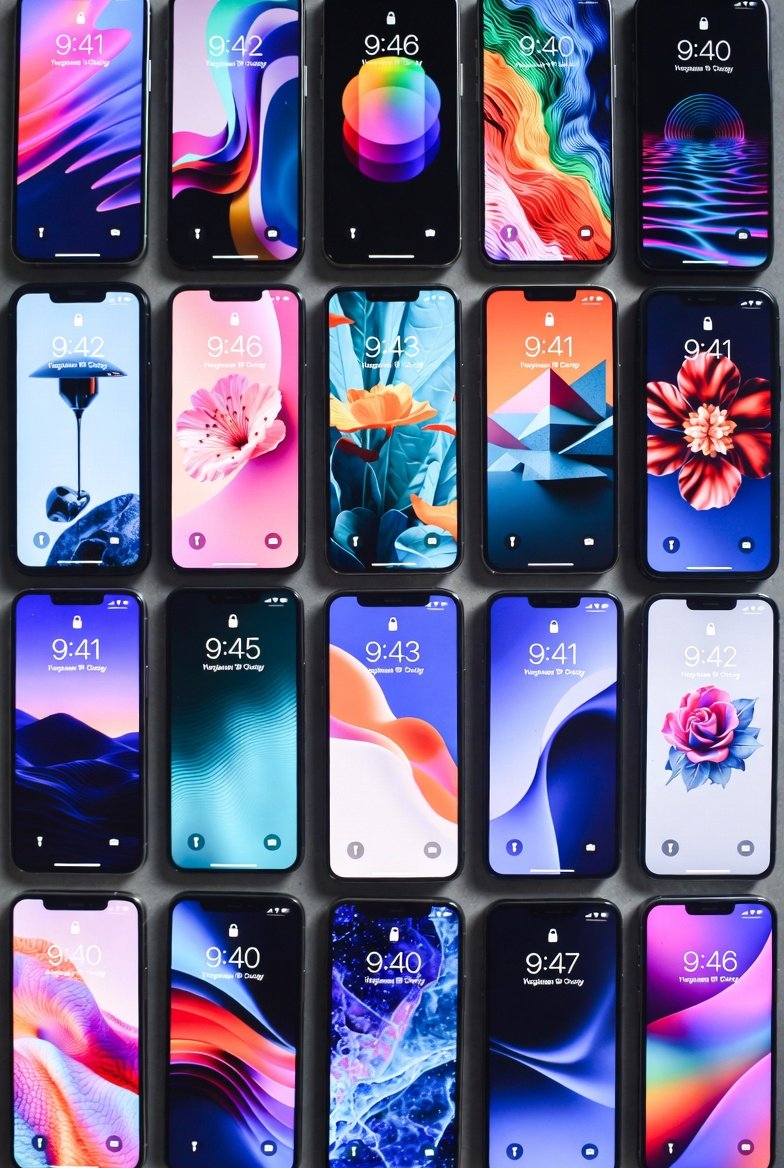
Your iPhone’s lock screen is the first thing you see dozens of times a day, so why not make it inspiring, personalized, and on-trend? As of March 2026, iOS 26 continues to dominate with its standout features like Depth Effect, Spatial Scenes, and Liquid Glass effects. These turn ordinary images into dynamic, 3D-like experiences where the clock layers beautifully behind subjects, backgrounds shift with light and tilt, and select photos gain immersive depth.
In early 2026, trends lean toward seasonal refreshes for spring, productivity-focused designs, aesthetic minimalism, and wallpapers optimized for iOS 26’s interactive elements. Viral setups on Instagram Reels, Pinterest boards, and Reddit communities highlight progress trackers, pastel florals, calendar integrations, and depth-compatible abstracts. Apps like Wallpapers 26 & Lock Screen are surging in popularity for delivering 3D-style options tailored to the latest iOS.
This 2000+ word guide covers the hottest categories right now, why they’re exploding in appeal, and practical tips to apply them on your device. Whether you’re in Karachi enjoying the warming weather or just craving a fresh vibe, these will transform your daily unlocks.
Why Lock Screen Customization Is Bigger Than Ever in 2026
iOS 26, released last fall, elevated lock screens beyond static images. Spatial Scenes automatically convert compatible 2D photos into 3D views that react to movement, while Depth Effect ensures foreground elements pop in front of the time. Liquid Glass adds a fluid, reflective overlay that enhances colors and depth.
These innovations fuel trends: Users share viral “progress” wallpapers marking days into 2026, spring-themed pastels for March, and clock-framing designs that make the scalable typeface shine. Sources like Pinterest boast boards with hundreds of lockscreen ideas, while YouTube tutorials on depth wallpapers rack up views. Reddit’s r/iOSsetups discusses iOS 26-friendly options that keep notifications readable.
Official Apple wallpapers from iOS 26 (like Sky, Halo, and Shadow variants in light/dark modes) remain staples, but community creations steal the spotlight. High-res 4K/HD files ensure crispness on iPhone 16/17 displays.
Quick setup reminder: Long-press the lock screen > Customize > Choose a photo or featured wallpaper > Toggle Depth Effect or Spatial Scene if available > Add widgets for extra flair.
Spring-Inspired and March Calendar Wallpapers: Fresh Seasonal Vibes
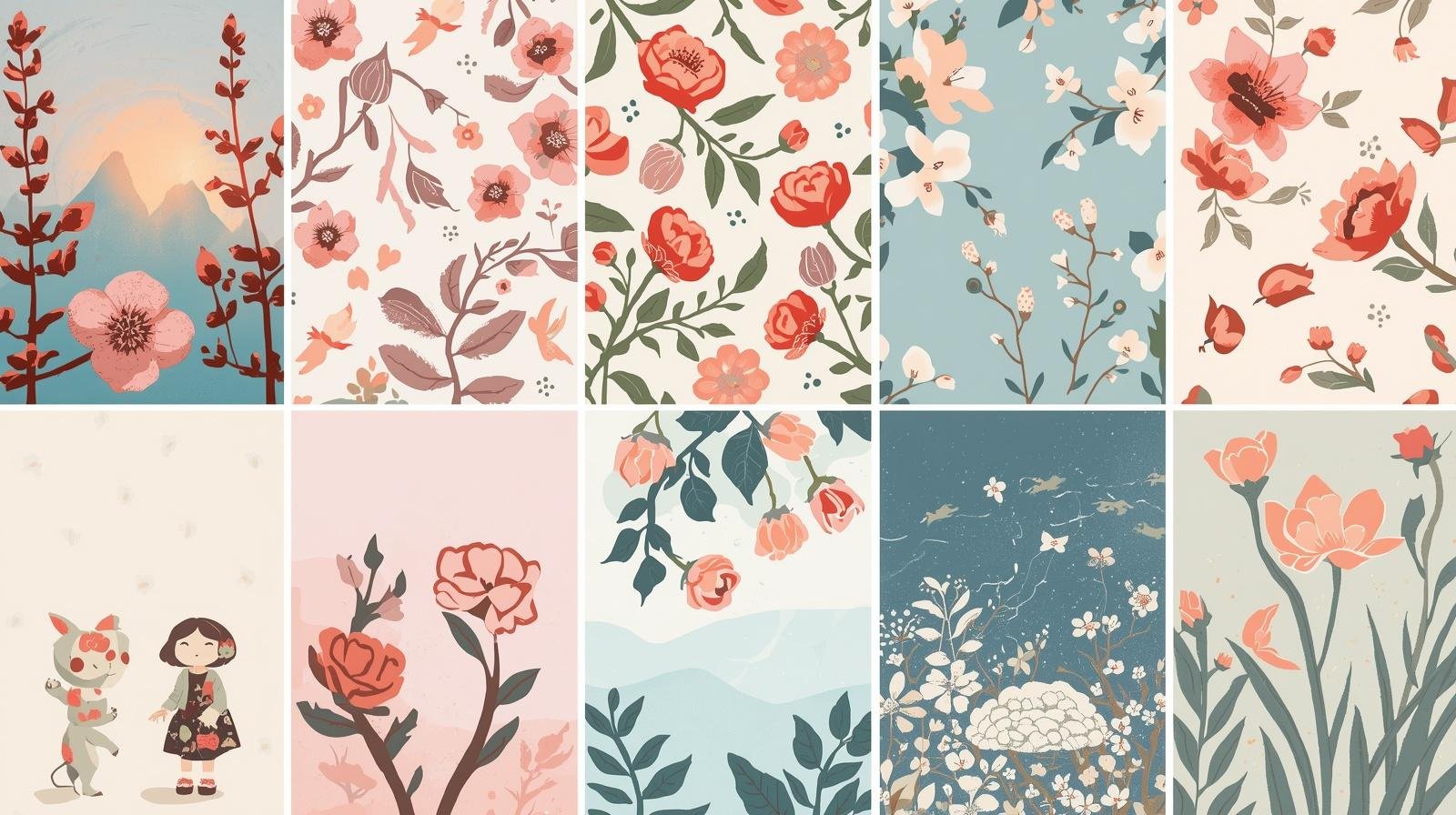
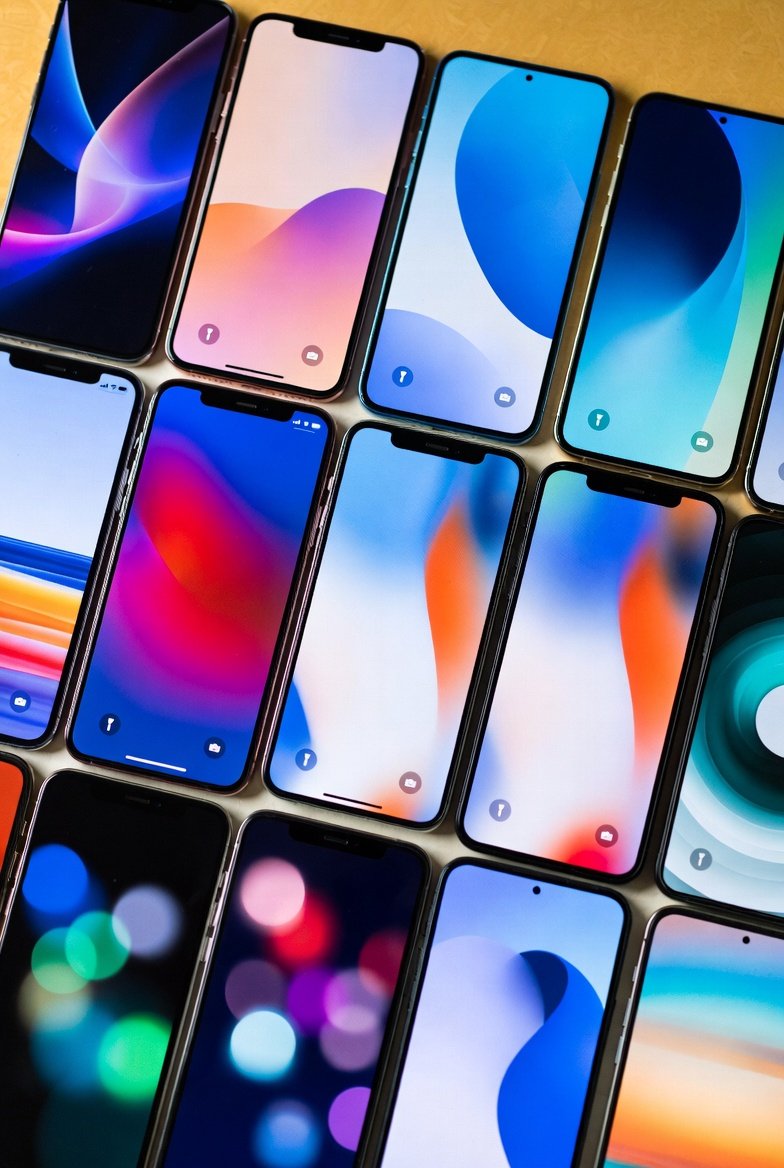
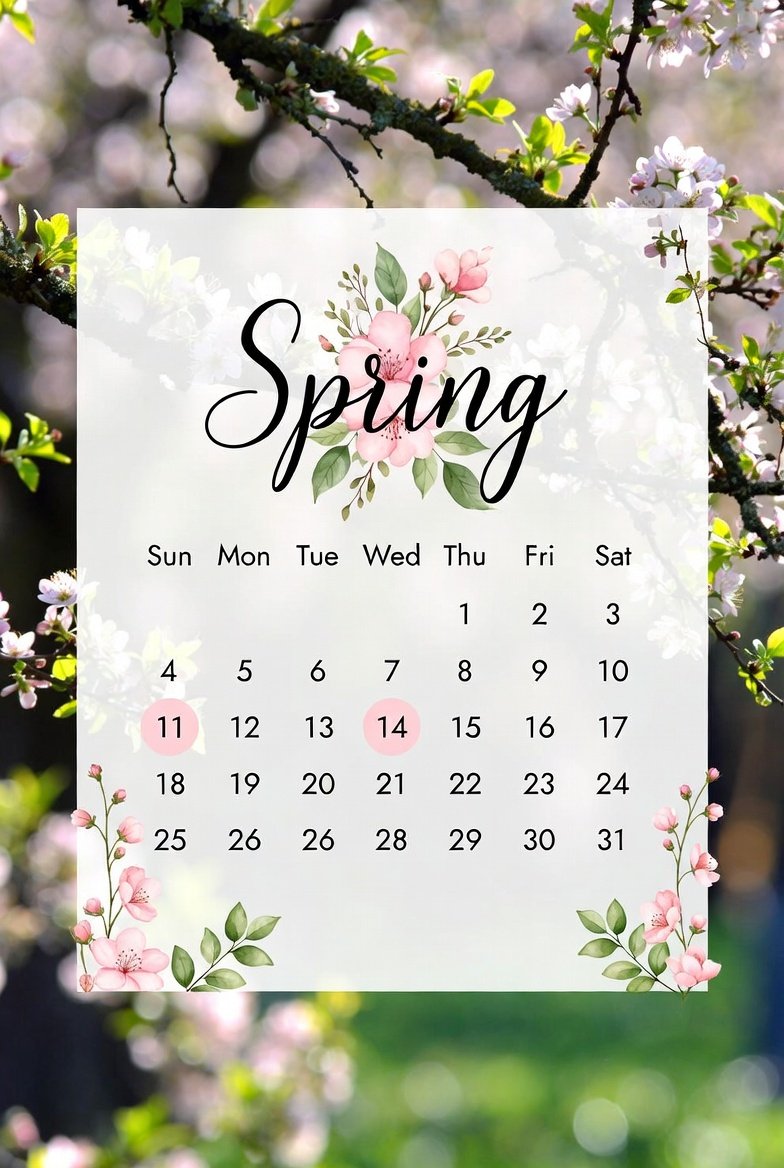
March 2026 brings spring energy, and wallpapers reflect it with pastels, florals, and lucky motifs like shamrocks. These calm, uplifting designs reduce screen fatigue while tying into the season.
Popular picks include bright pastel manifestations with motivational phrases like “It’s March,” soft floral scenes, and integrated calendars. Sites offer free downloadable sets for iPhone lock screens, featuring Sunday or Monday starts, neutral beiges, cozy themes, and subtle patterns.
Why trending? They provide glanceable dates without widgets cluttering the screen. Viral Instagram reels show users pairing them with pink aesthetics or kawaii elements for a cozy feel.
Try these: Search for “March 2026 calendar iPhone wallpaper” to find portrait-oriented HD options. Enable Depth Effect on floral shots for petals that seem to float over the clock. Pair with weather or reminders widgets for a productive yet serene look.
Progress and Motivational Trackers: Viral Productivity Boosters
One of the biggest viral hits of 2026 is the “year progress” lock screen. These mark every day since January 1 with dots or bullets, showing percentage completed and days lived— a stark, motivating reminder to stay intentional.
Reels call it “eye-opening” and “insanely viral,” with users commenting for links. Variations include day counters, percentage circles, and minimalist trackers in neutral or bold colors.
Why now? Post-New Year motivation lingers into March, amplified by iOS 26’s clean clock integration. They pair perfectly with productivity widgets like calendars or habit trackers.
To apply: Download from shared Reels or create via Canva templates. Use dark mode for battery savings, and add a simple quote widget for extra inspiration.
Depth Effect and Spatial Scenes Optimized Designs
iOS 26 shines with wallpapers designed for depth. Collections feature playful 3D pops—subjects like animals, objects, or abstracts that layer dramatically with the clock.
Fantastic packs from communities include exact-sized “clock lock” wallpapers that frame the time perfectly in colorful borders. Apps deliver Liquid Glass and 3D styles, turning flats into immersive experiences.
Trending sources: YouTube showcases depth wallpapers from specific downloads, while iDownloadBlog offers playful sets. Users praise how they make lock screens “pop” without overwhelming notifications.
Tip: Browse your Photos app—iOS 26 suggests Spatial Scene-compatible images. Manually select portraits with clear subjects for best results.
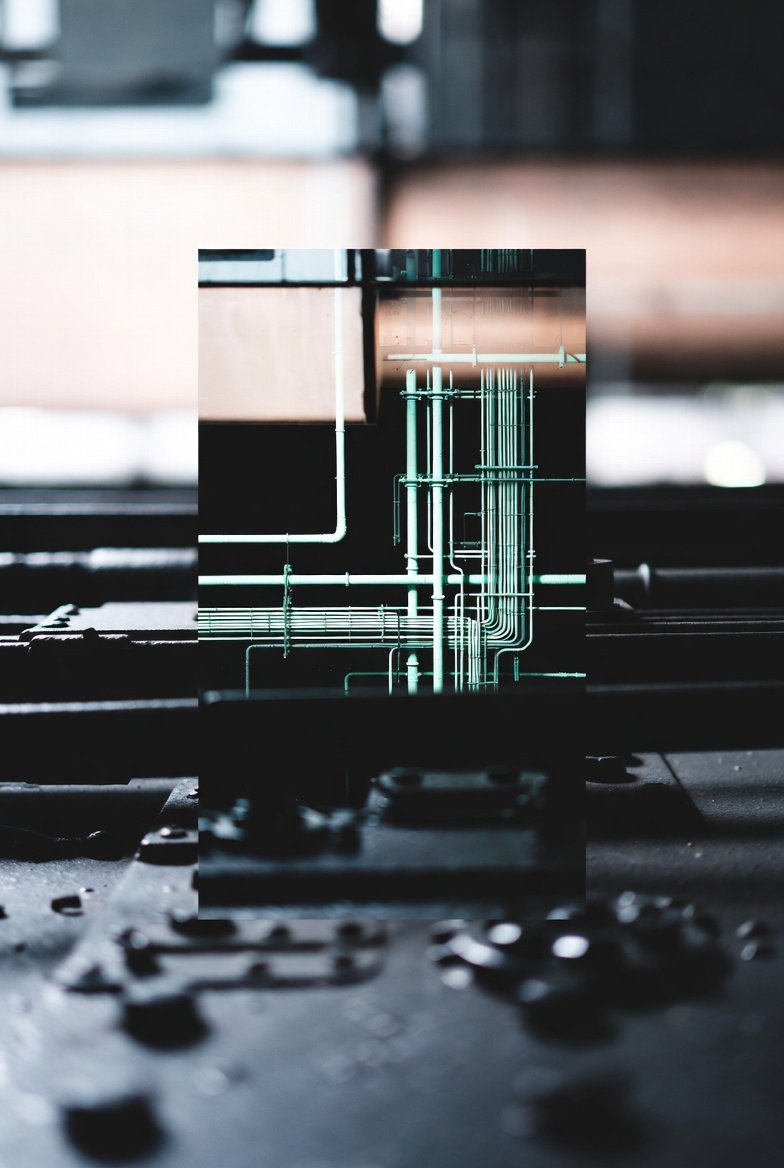
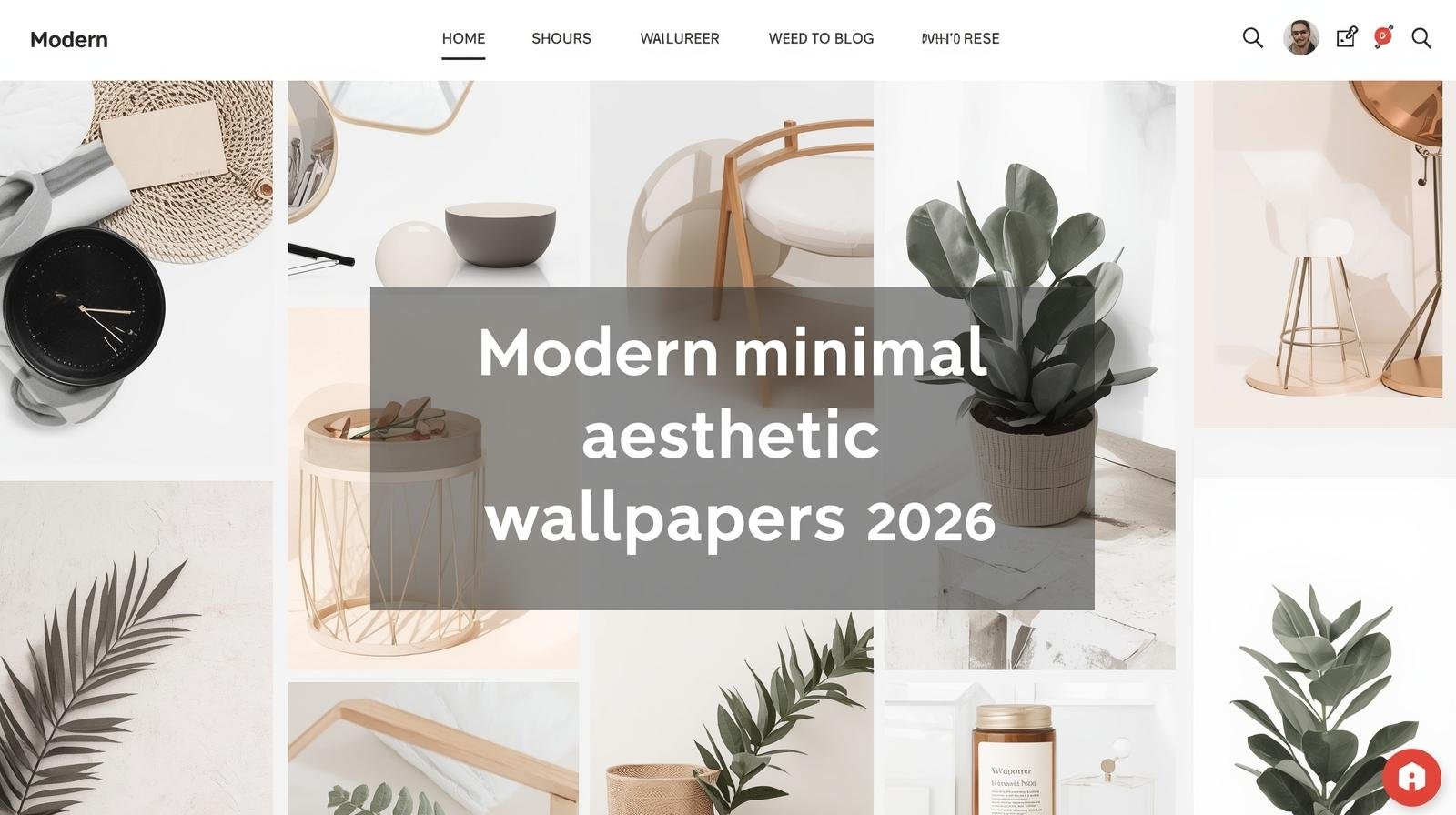
Minimalist and Aesthetic Themes: Clean, Elegant Looks
Minimalism rules for uncluttered vibes. Grayscale abstracts, soft gradients, and monochromatic schemes highlight iOS 26’s font scaling.
March editions feature bow motifs, teal accents, and vintage patterns in light pastels. Pinterest boards overflow with cute, preppy, and artistic options.
These reduce visual noise, letting widgets (stocks, fitness) stand out. Dark mode variants save OLED battery.
Customize: Add subtle textures that interact with Liquid Glass for a premium feel.
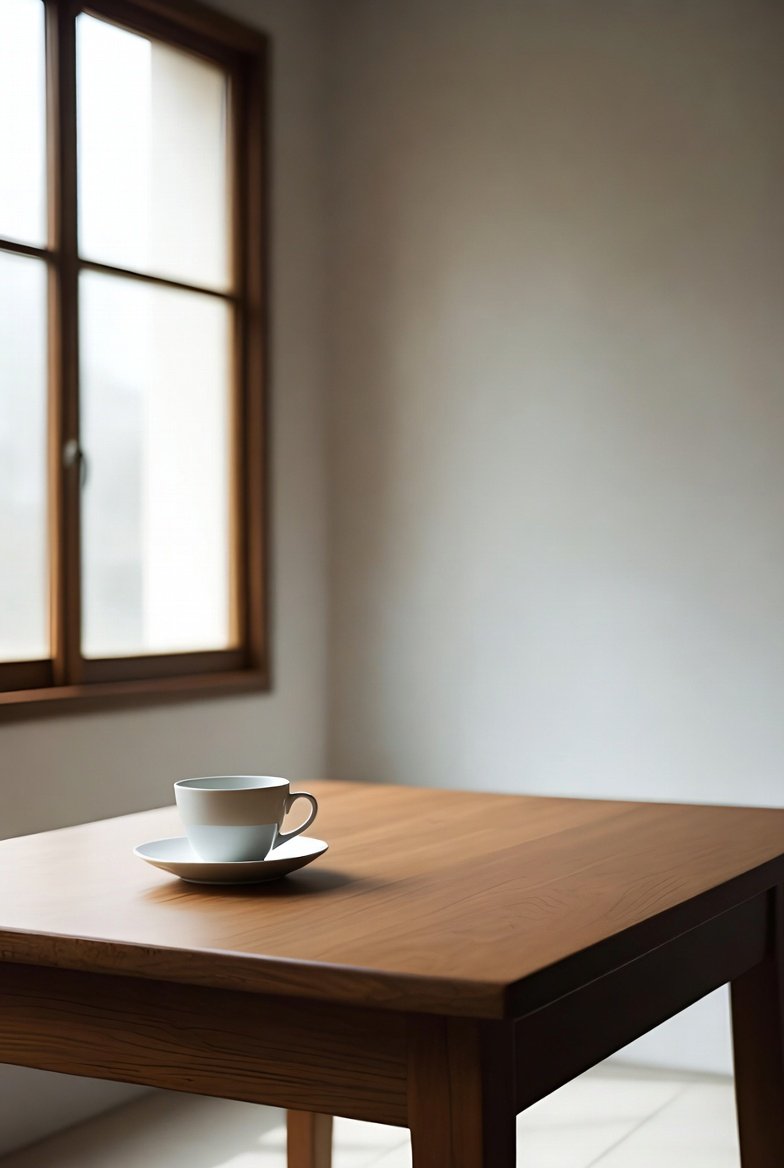
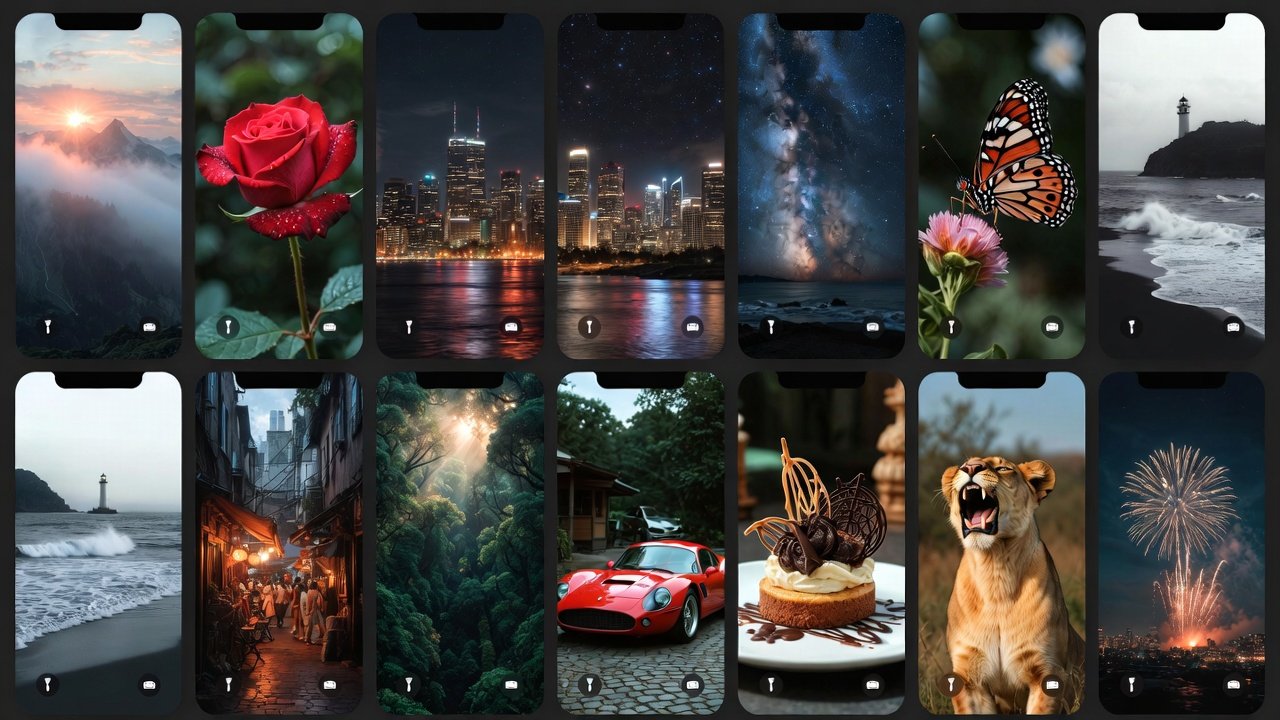
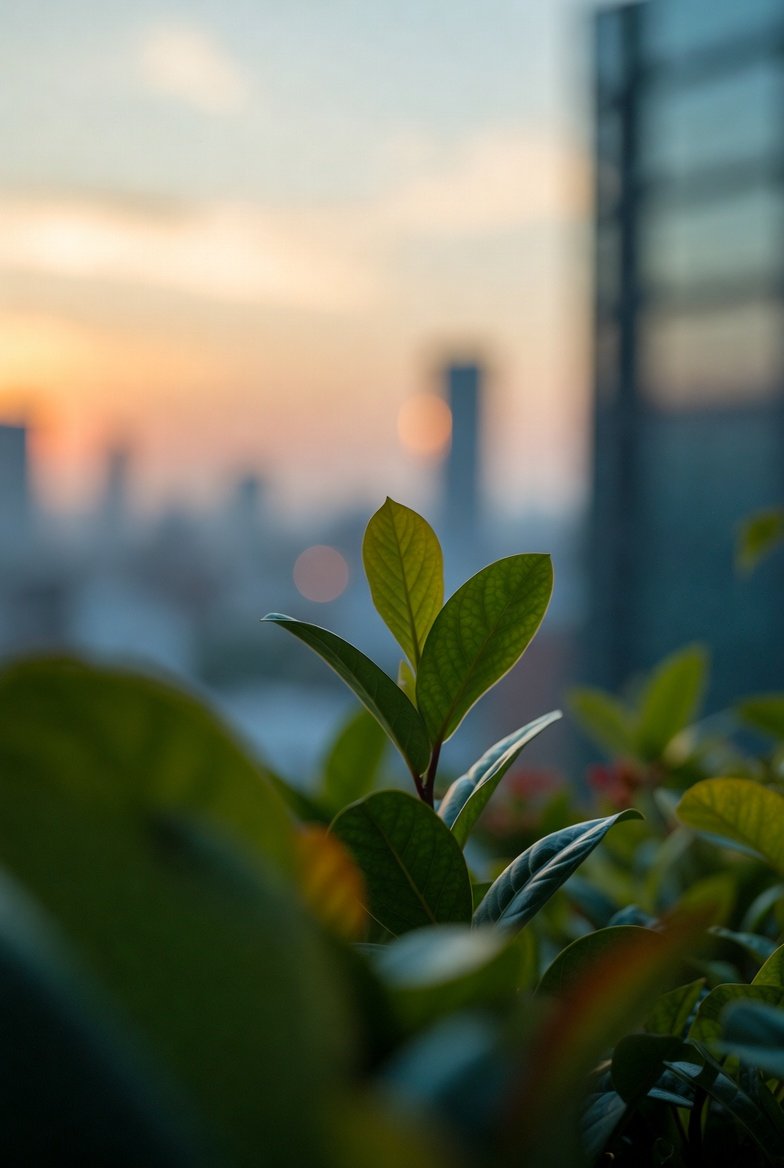
Official iOS 26 and Nature/City Aesthetic Wallpapers
Apple’s Liquid Glass wallpapers (Sky, Shadow, Halo in light/dark lock/home variants) remain highly downloaded for their subtle elegance.
Nature-inspired: Serene oceans, forests, and cityscapes in 4K, enhanced by depth for immersive unlocks.
Aesthetic cities in 2026 styles offer futuristic or vintage charm.
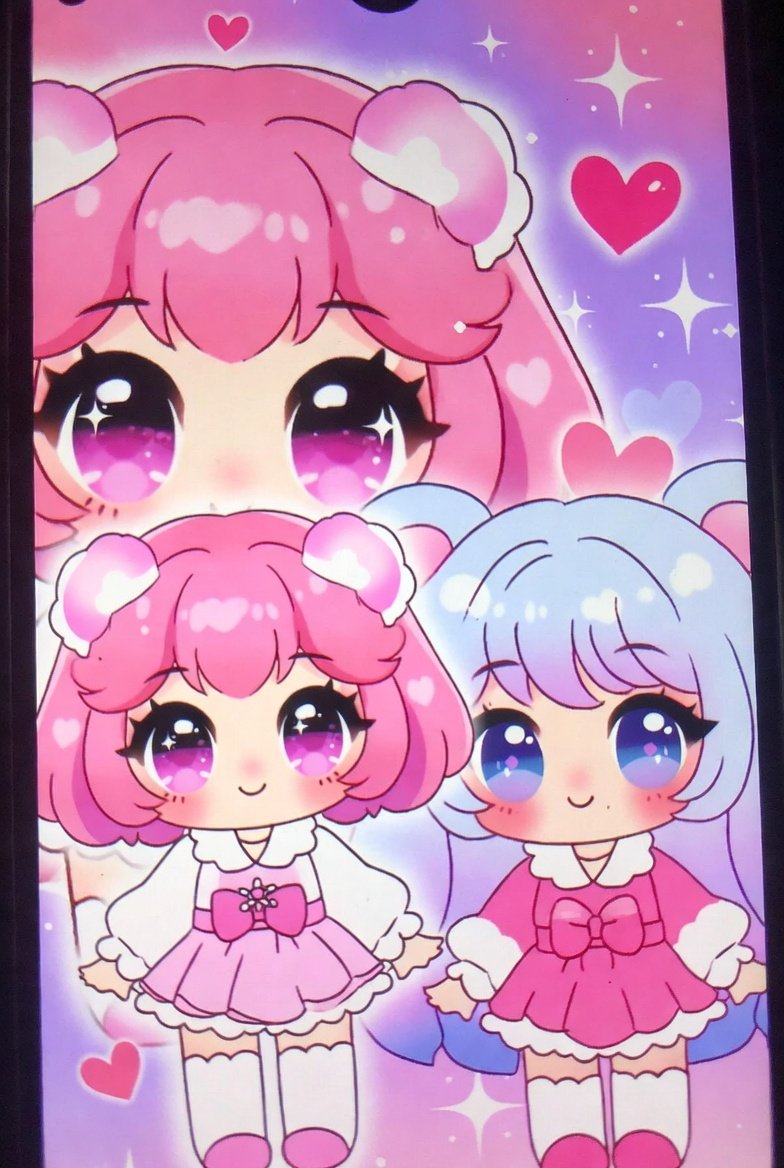
Kawaii, Pink, and Cute Trends
Pink aesthetics explode with Rilakkuma, Monchhichi, trinkets, and kawaii elements. Pastel pinks pair with cute widgets for fun setups.
Tips to Maximize Your Lock Screen in iOS 26
- Download from trusted spots: App Store apps, iClarified for official packs, or community shares.
- Experiment: Toggle Spatial Scenes on personal photos for custom 3D.
- Widgets: Balance function (calendar for March) with style.
- Multiple setups: Create several lock screens and swipe between them.
- Updates: Check for new depth-compatible collections monthly.
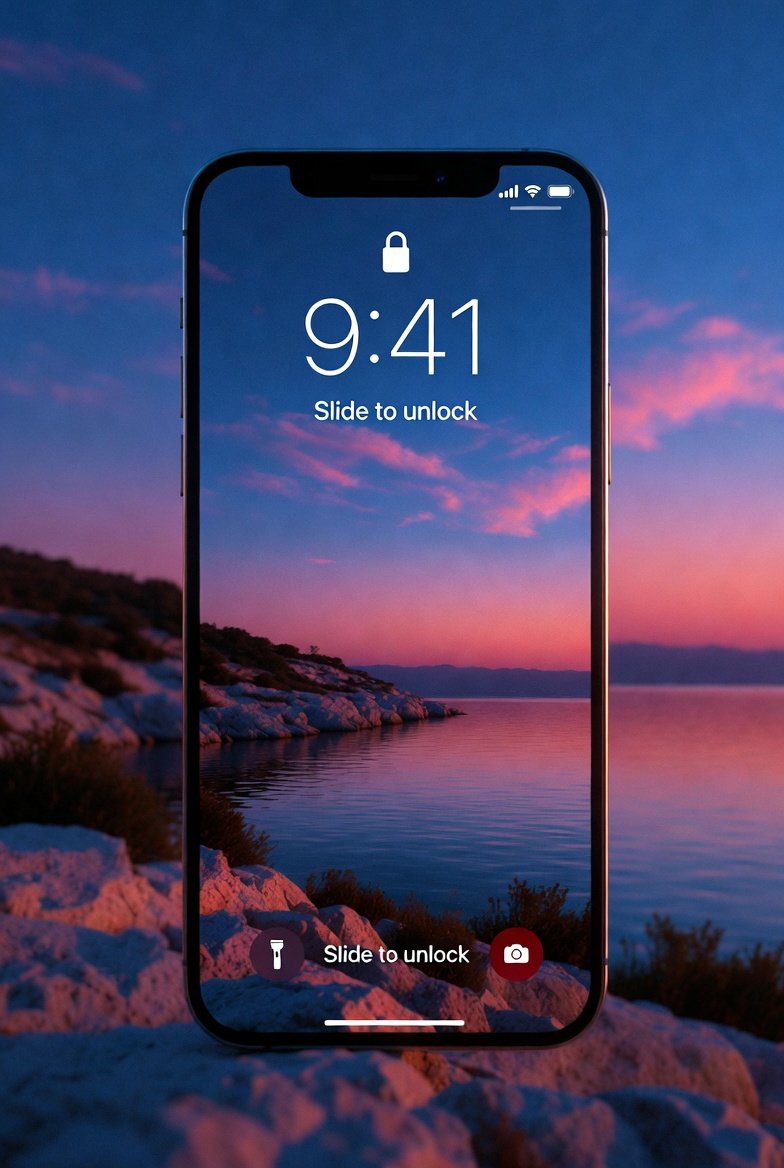
Wrap-Up: Refresh Your Lock Screen Today
March 2026’s trends blend seasonality, motivation, and iOS 26 tech for lock screens that feel alive and personal. From progress trackers pushing productivity to spring pastels bringing calm, these options elevate your iPhone.
Head to Settings now, try a viral progress design or March calendar, and feel the difference. Which trend are you trying first? Drop your thoughts below!